Tap Mabel to hear her story
Ask Mabel
Building digital confidence for seniors, one step at a time.
Co-Founder + Product Designer and ResearchPrize Winner
Ask Mabel
Co-Founder + Product Designer and ResearchPrize Winner
As a cofounder and design strategist, I launched a browser-based game along with 4 other members, wherein older adults leverage patterns of repetition and reward system to learn how to best use their smart phones, thus supporting their ability to feel confident in using technology. The product tackled the last mile problem space that exists in digital literacy interventions.
Supported by
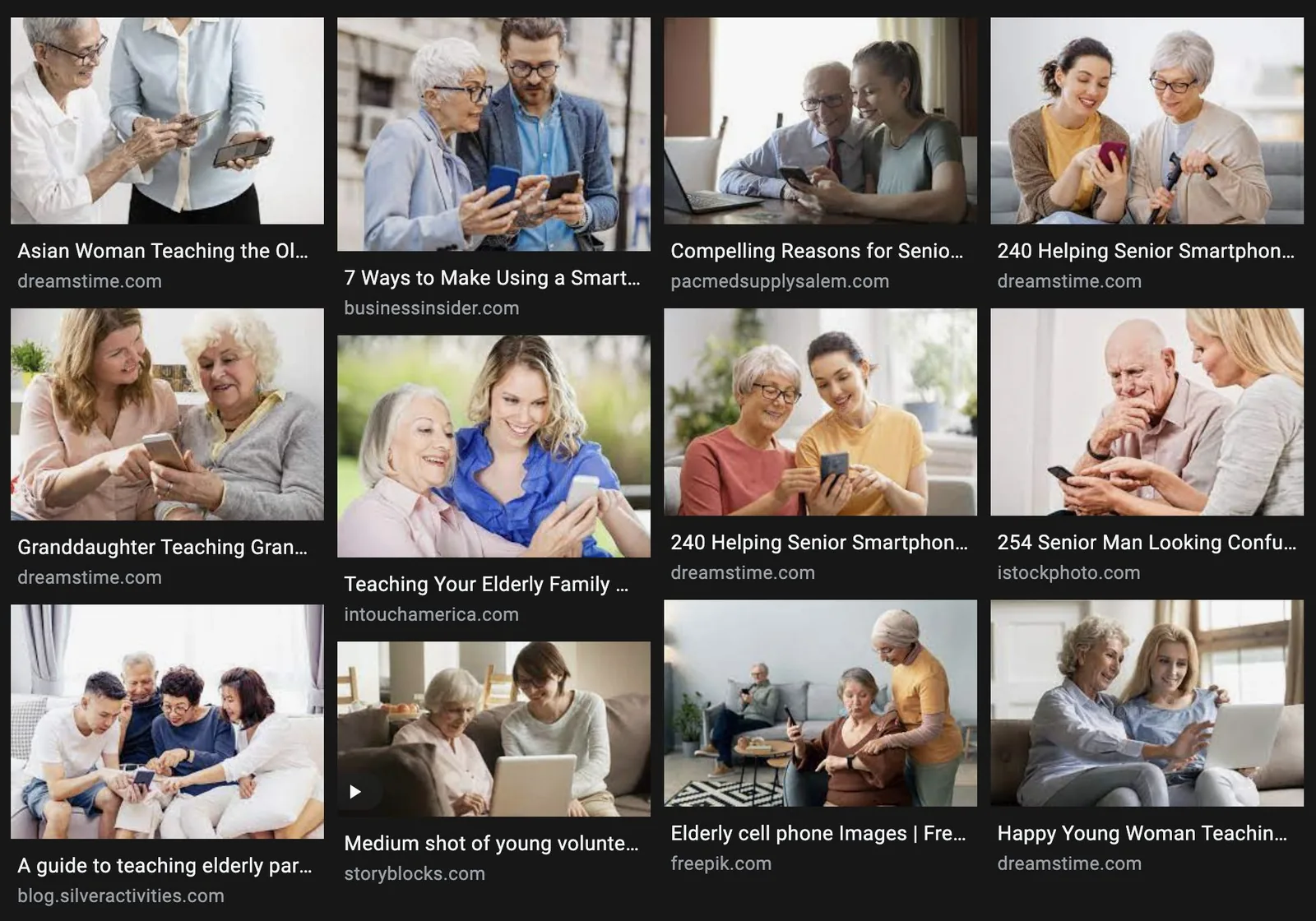
We often imagine a lack of autonomy for older adults when seeking technological support
Additionally, media rhetoric and stereotyping only contribute to such biases
2 out of 3 Older Adults
feel low to no confidence with using technology
Source: Pew Research Centre
Read my Capstone on Digital Equity for Older Adults
“I feel like I’m at the bottom of the ladder when it comes to this.”
“My grandson teaches me something. But as soon as he leaves, I forget.”
So we asked ourselves
How might we build a learning system where older adults can develop digital autonomy and confidence in the absence of human intervention?
.the journey
Despite literacy classes or support from family, the older adults we spoke to found it difficult to bring autonomy to their digital experiences. We then studied the ‘Last Mile’ problem.


.the approach: Our HCD sprint 1
1200+hours of qualitative interviews
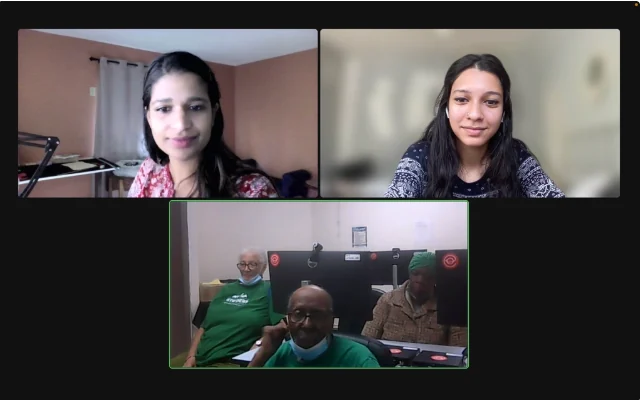
Ideation started with conducting 1200+ hours of qualitative interviews: a combination of focus groups, one on one conversations, and senior center visits.
Older adults want to learn, but what a grandchild or a class teaches fades once the helper leaves. Texting already feels familiar, and lessons have to be quick, easy and delightful.
The last mileAutonomy
Digital literacy classes and in-person support help people start. We focused on what happens after, when the learner is on their own and there is no one to ask.
See the journey ↓
Autonomy +
Confidence
SMS + webNo app, no login
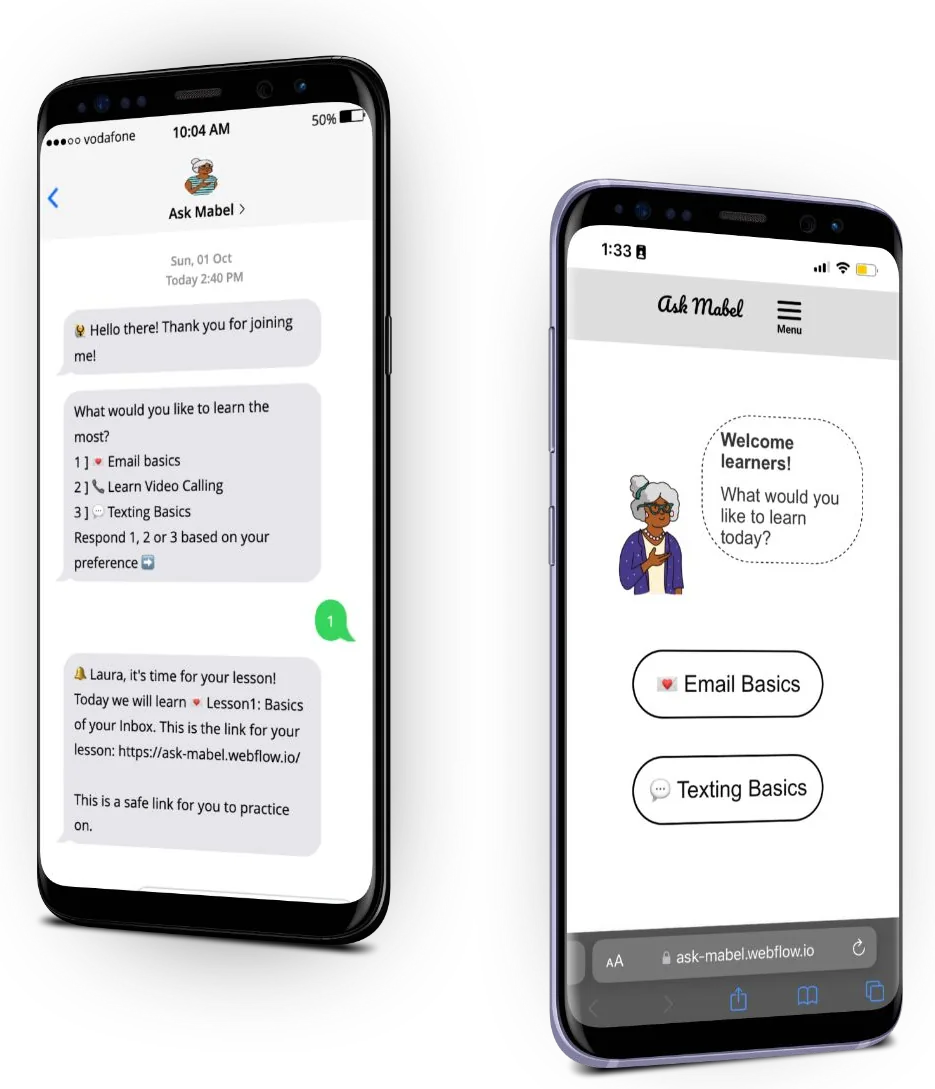
Sign up via text thread to receive timely lessons. Complete lessons and play the game to test your learning!
Try the text thread ↓.user persona
From the desire to learn, through tech classes and family support, to building confidence through lessons. Each stage carries how it felt, and the opportunity it opened.
.iterations
Iteration 1 · Native Plug-in

Iteration 2 · Game Application

The final design
Both lessons shaped Ask Mabel: lessons arrive by text, with nothing to install, and Mabel became a confident teacher.
See the final product ↓Based on lessons learnt from previous iterations and testing, we built out our user journey for iteration 3.
.the solution
Ask Mabel was developed as a playful SMS experience that sends timely lessons to older adults who wish to learn basics about digital technology.
Lessons are structured as concise, digestible bits of information followed by quizzes and rewards to reinforce learning. They build autonomy and digital confidence steadily, so learners can participate and thrive in our increasingly digital world. There is no app to download: a text arrives at a preferred time, with a lesson link to practice basic skills.



.try it
No app, no login. Mabel sends a message, you reply with a letter, and the lesson link arrives on your phone. Tap a reply below to start.
Ask Mabel.how a lesson feels
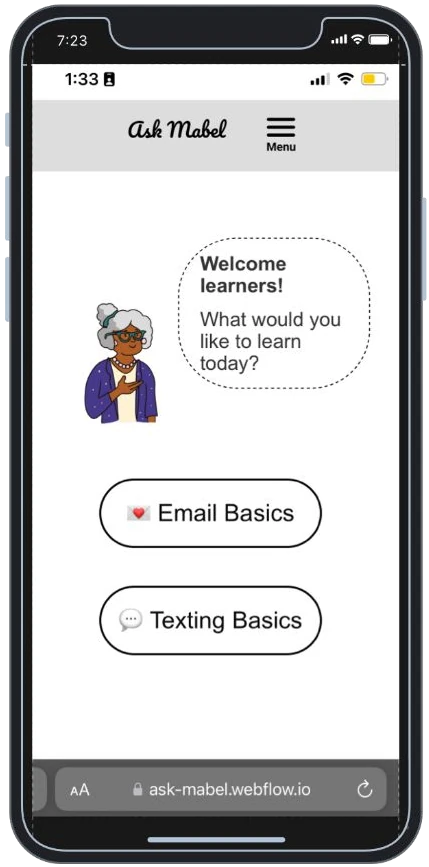
Lessons designed with support from experts.
 Hint: look for the magnifying glass. It is used to find things.
Go on, tap an icon on the screen.
 +10 points
Launched in 2 languages: Spanish and English. Tap “Próximo” to switch.
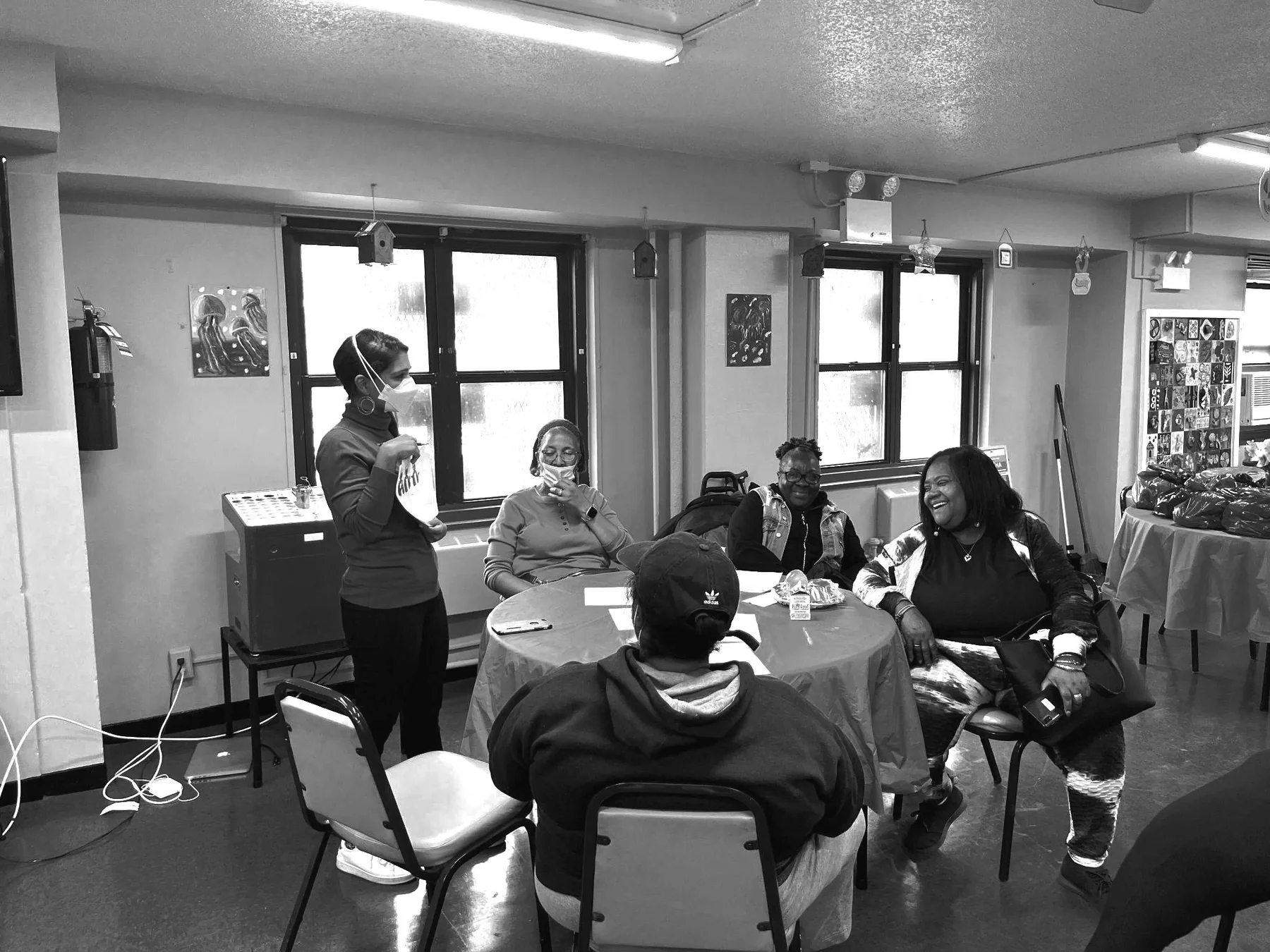
At the senior center while brainstorming on how Mabel should look
6usability tests so far

.the conclusion

The Ask Mabel film. Turn your sound on.






Know a loved one who would like to get learning?
Scan the QR code and join the Mabel Family!
www.askmabel.org → Ask Mabel